
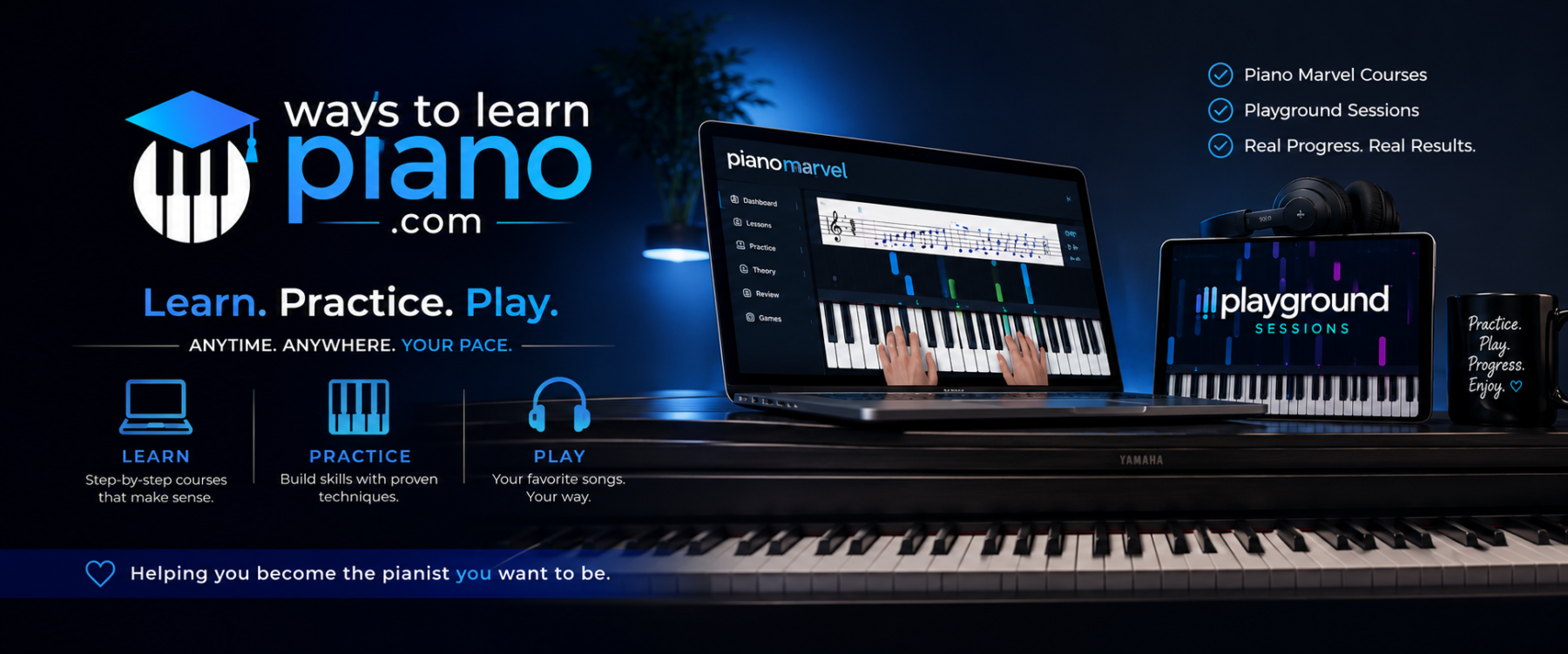
If you’re searching for a flexible and fun way to learn piano, Playground Sessions brings together super handy tools and resources that suit players at just about any level. Whether you’re a total beginner or someone dusting off old piano skills, this platform combines lessons, interactive practice tools, and a good dose of music you’ll actually want to play. Here, I’ll guide you through what Playground Sessions is, how it works, and who’s likely to get the most out of using it.
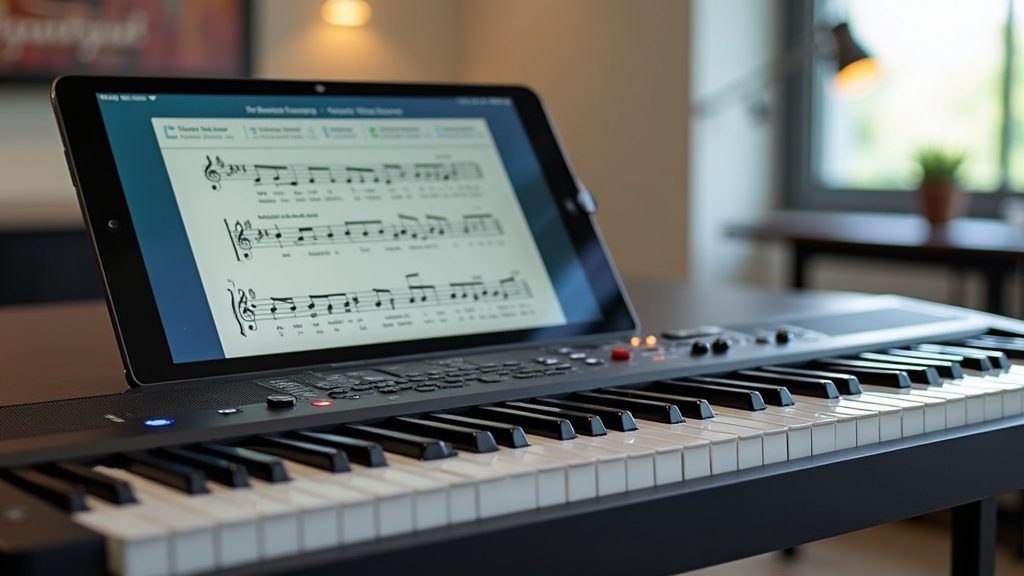
What is Playground Sessions?
Playground Sessions is an online piano learning program created with the help of Quincy Jones, which is a pretty big name in the music world. The main idea is to make learning piano both interactive and rewarding, using a mix of video lessons, real-time feedback, and a library of popular songs. It hooks up to your digital keyboard or piano, so you get instant feedback as you play, similar to music-based video games but far more educational.
Since everything’s online, you can practice whenever it fits your schedule, and the platform works on both Windows and Mac and even offers an iPad app. You just need a MIDI compatible keyboard to connect.
How Playground Sessions Works
I found Playground Sessions really approachable, especially for anyone feeling overwhelmed by traditional sheet music. You start by picking a course based on your skill level: Bootcamp (for total beginners), Intermediate, or Advanced. Each course breaks things into bite-sized lessons, so you’re never faced with a huge, intimidating wall of information.
Here’s what the typical learning experience looks like:
- Watch and Listen: Each lesson kicks off with a video tutorial. The instructors, like YouTube favorite David Sides, break down each concept—whether it’s reading music, hand placement, or mastering a particular song.
- Practice Interactively: After the video, you jump right into practice inside the app. The software lights up notes on the screen as you play, tracking how well you hit the right notes and rhythms. If you hit a rough patch, you can slow things down or loop a tricky section to work on it until you nail it.
- Get Instant Feedback: As you play, the app “listens” and gives you a score. You see color-coded notes for where you nailed it or went off the rails; it’s motivating to watch your improvement and rack up points.
- Level Up with Songs: Once you master the basics, there’s a huge song library where you play real music—anything from classic rock to Disney hits and current chart-toppers. You can try songs in different arrangements from easy to advanced so you can keep things challenging as you progress.
The Music and Lessons Library
Playground Sessions shines when it comes to music selection. You aren’t stuck playing boring practice etudes every day. The lesson library covers popular genres and artists, making you much more likely to stick with it and actually look forward to your practice sessions. There’s a good mix: pop, classical, jazz, rock, and even some film and video game scores. Plus, the catalog is updated regularly with new options.
Lessons group together into “Courses” by skill level and musical focus. For example, you can zero in on rhythm basics or go deep into music reading skills. For learners who want more, there are specialized courses on chords, scales, improvisation, and music theory, offering something valuable no matter where you are in your piano adventure.
Top Features I Enjoyed Using
Here are some features I think you’ll really appreciate if you try Playground Sessions:
- Real-Time Feedback: Seeing immediate, color-coded feedback after playing exercises or songs makes it easy to spot your mistakes and fix them, rather than wondering if you’re making progress.
- Adjustable Practice Tools: You can slow down songs, loop bars, or mute either hand to focus your practice. These options make tough sections far more manageable.
- Backed by Big Names: Co-created with Quincy Jones and featuring familiar instructors, the program blends solid music education with fun presentation.
- Friendly Community: The built-in forum and leaderboard add a social layer, letting you get motivated, share progress, and pick up tips from fellow learners.
- Support for MIDI Keyboards: If your keyboard connects by USB (MIDI), you’re set. No fancy or expensive gear required.
Areas That Could Use Some Work
While Playground Sessions has a lot going for it, here are a few things to consider:
- No Acoustic Piano Support: You’ll need a keyboard with MIDI/USB for interactive feedback and tracking. If you play acoustic piano only, some features aren’t available.
- Sheet Music Display: If you want a super detailed, textbook-style music notation experience, the app is a bit simplified.
- Song Purchases: While some songs are included free, many popular tracks require extra credits or payment. If you want a huge mix of songs, it can add up over time.
Who Can Benefit Most from Playground Sessions?
If you’re starting from scratch with piano or picking it back up after a long break, Playground Sessions is a real confidence booster. The step-by-step lessons make things easy to follow, and the app takes a lot of the intimidation out of learning. Both kids and adults seem to get a kick out of it, thanks to the game-inspired approach and energetic music selection.
It’s also an excellent tool for those with a little experience who want to move up to intermediate or advanced skills without digging through old-fashioned method books. Anyone who enjoys learning by doing real songs instead of endless drills will find a lot to enjoy here.
Pricing and Access
Playground Sessions has three core subscription plans: monthly, annual, and a one-time lifetime membership. The monthly and annual plans unlock the lessons, Bootcamp, and a basic song library. If you really click with the program, the one-time lifetime payment is cost-effective in the long run.
Some extra songs cost credits, and you buy those as needed for premium tracks. There’s a 30-day refund window, so you can try everything with no pressure.
What You’ll Need to Get Started
Getting up and running with Playground Sessions is a breeze. You’ll need:
- A Windows PC, Mac, or iPad
- A digital keyboard or piano with USB/MIDI (this connects the app and your instrument instantly)
- A USB cable (usually included with a MIDI keyboard – check yours before you start)
- Internet connection to download, register, and access new lessons or songs
If you don’t own a keyboard yet, Playground Sessions offers bundles that combine a discounted membership, keyboard, and all the accessories needed to plug in. It’s a solid deal to consider if you want to launch your piano playing adventure smoothly.
FAQs About Playground Sessions
Here are a few of the most common questions I’ve seen about Playground Sessions:
Is Playground Sessions good for complete beginners?
Absolutely. Bootcamp is designed for folks with no experience at all, and it walks you through basics step by step. The feedback and practice tools really help if you like learning by doing.
Can I use Playground Sessions with any keyboard?
As long as your keyboard or digital piano has a USB or MIDI connection, it will work fine. There’s no official support for acoustic pianos, since the app needs digital signals for tracking and feedback.
How much does Playground Sessions cost?
The price depends on your plan—monthly, annual, or lifetime. While some songs do cost extra, all step-by-step lessons and a good starter batch of songs are included in your membership.
Do I need to read music before starting?
No! The lessons start right at the beginning and help you with note and rhythm reading as you work through them.
Bottom Line
Playground Sessions turns piano practice into something you’ll actually want to keep up. The tracking tools motivate you, and you get to play real songs sooner than you might expect. While owning a digital keyboard gives you the most out of the program and some premium songs may cost extra, the variety and interactive learning keep it fresh and fun. If you want an engaging way to build piano skills at your own pace, Playground Sessions is worth checking out and could very well change the way you think about learning music.